

Most sales teams start using a CRM because they want more visibility and fewer manual steps. Somewhere along the way, that promise usually turns into more admin work, more clicking, and more frustration for reps.
If you are using monday CRM, or seriously evaluating it, you have probably heard that “it’s flexible” or “it’s customizable.” That is true, but it does not really explain why teams get genuinely excited once they start using it.
The real magic shows up in the workflows. The kind that make reps pause mid call and say, “Wait… we can do that?”
In this post, we are breaking down seven monday CRM workflows that consistently deliver those moments. They are practical, fast to implement, and built around how sales teams actually work.
Sales teams are not anti-automation. They are anti bad automation.
In most CRMs, workflows feel brittle and overly complex. One field update breaks the logic. One edge case sends notifications to the wrong person. Over time, reps stop trusting the system and go back to manual workarounds.
Another issue is visibility. When reps cannot see why something happened, or what rule triggered an action, workflows feel mysterious instead of helpful.
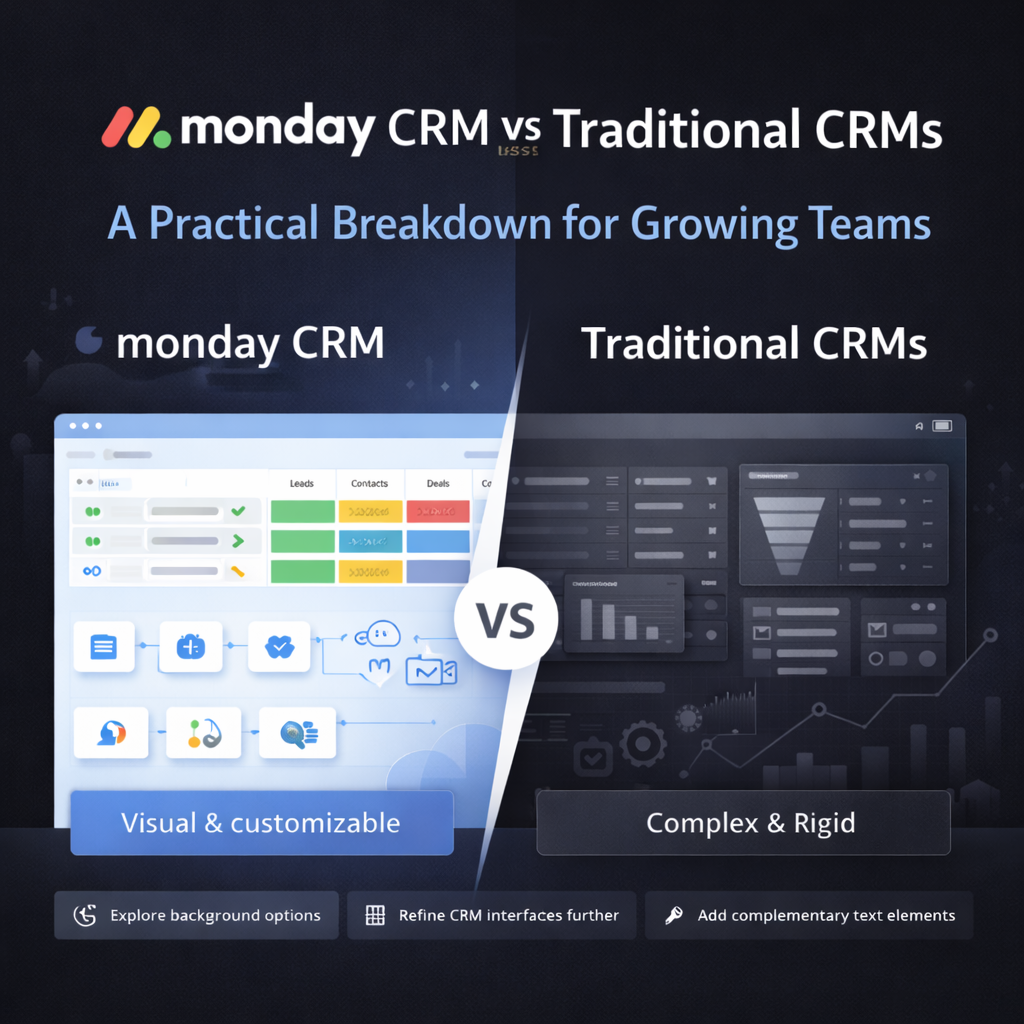
monday CRM solves a lot of this by making workflows visual, readable, and easy to reason about. Reps and operators can see what is happening and why, which makes adoption much easier.
monday CRM workflows are built using automations that follow a simple trigger and action structure, with optional conditions layered in. You can automate updates to deal stages, owners, timelines, emails, tasks, connected boards, and integrations.
Most importantly, these workflows are built directly into the platform. You do not need developers, custom scripts, or third-party tools to make them work.
Every example below uses native monday CRM automation, which means they are realistic for growing teams to maintain long term.
This is often the first workflow that changes how reps feel about the CRM.
When a deal moves into a specific stage, monday CRM can automatically create the exact follow up tasks that should happen next. A deal marked “Discovery Complete” might trigger proposal prep tasks, while “Proposal Sent” could trigger follow up reminders with clear due dates.
Reps no longer have to guess what comes next, and managers do not have to chase activity. The process guides itself.
Lead routing is one of those features that sounds simple but causes endless frustration when it is not done well.
With monday CRM workflows, leads can be assigned based on territory, deal size, product interest, or round robin logic. The key difference is that the rules are visible and understandable.
Reps can see why a lead was assigned to them, which dramatically reduces confusion and internal friction.
This workflow is a quiet game changer.
If a deal sits in the same stage for too long, monday CRM can automatically flag it. That might mean changing a status color, notifying the rep, or creating a task to re engage the prospect.
Instead of finding stalled deals during pipeline reviews, reps get early signals and can course correct before momentum is lost.
Automated follow ups are helpful, but only when they know when to stop.
With monday CRM, you can tie follow up emails to deal stages. If the deal progresses, the emails automatically stop. If it does not, they continue on a defined schedule.
Reps do not have to remember to turn anything off, and prospects do not get awkward or mistimed messages.
Closing a deal should not require a flurry of internal emails.
When a deal is marked as closed won in monday CRM, workflows can automatically create onboarding boards, delivery tasks, and internal notifications. Operations teams get the context they need without sales having to duplicate information.
This workflow alone often eliminates one of the biggest friction points between teams.
Forecasting is where many CRMs quietly fall apart.
In monday CRM, deal values and probabilities can automatically roll up into forecast views based on stage. When reps update a deal, forecasts update in real time.
Leadership gets accurate numbers without asking reps to maintain separate spreadsheets or reports.
When a deal is marked as lost, monday CRM can require structured inputs such as reason lost, competitor, or timing. Those inputs then feed reporting automatically.
Reps are not filling out long forms or being questioned later. Ops teams get clean, consistent data they can actually use to spot trends.
None of these workflows are technically complex, but it is very easy to over engineer them.
At OrangeDot, we focus on aligning workflows to your actual sales motion before building automation. The goal is to support how your team sells, not force them into a rigid system.
Most teams can implement several of these monday CRM workflows within a couple of weeks when the foundation is set correctly.
Start small and prove value early. When reps experience one workflow that clearly saves time or prevents mistakes, they become much more open to additional automation.
monday CRM works best when automation feels like support, not surveillance.
Are these workflows unique to monday CRM?
Other CRMs offer automation, but monday CRM stands out because workflows are visual, flexible, and easy to modify without developers.
Do these workflows require integrations or custom code?
No. All workflows in this post use native monday CRM automation features.
How long does it take to set these up?
Many can be built in a few hours. More complex handoffs may take a few days depending on your process.
Will sales reps actually use these workflows?
Yes. When automation removes work instead of adding steps, adoption follows naturally.
The best CRM workflows do not call attention to themselves. They quietly make selling easier.
monday CRM excels because it shows teams what is possible without overwhelming them, and the workflows grow with you instead of breaking as your process evolves.
📢 Need help implementing this in monday.com?
Talk to a certified monday.com expert → Contact Us