Many CRMs don’t fail because the software is terrible. They fail because no one wants to use them. Deals live in spreadsheets, notes hide in Slack, and everyone promises they’ll update the system later. Let’s fix that.
This guide walks you through designing a CRM that people open, trust, and rely on. We’ll cover why adoption fails, principles that work, and how to make it happen in monday‑com.
Here’s the uncomfortable truth: most CRMs are built for leadership dashboards, not daily work. They prioritize fields and reports over how sales, marketing, and operations teams actually operate. The result is too many required fields, confusing stages, duplicate data entry, and no connection to real workflows. Reps avoid it, managers don’t trust the data, and the CRM becomes an expensive spreadsheet.
If you want a CRM your team will use, flip the mindset. Adoption comes before optimization.
Before touching a tool, ask how a deal really moves from first touch to close. Where do leads come from? When do handoffs happen? What information actually matters at each stage? Where do deals get stuck? Design your CRM to mirror reality first. You can refine later.
One of the biggest adoption killers is asking for too much information too early. Design your CRM so early stages require minimal input and fields appear only when relevant. In monday‑com’s CRM you can enforce required fields based on status changes. For example, you can make “Amount” mandatory only when marking a deal as won. This prevents giant forms and matches data collection to deal maturity.
If your CRM requires jumping between tools, adoption plummets. The best designs centralize communication, sync emails automatically, attach files directly to deals, and surface context without extra clicks. monday‑com’s Emails & Activities centralizes client communication: you can send and receive emails, create templates, and schedule events in a single timeline. You can even connect Gmail or Outlook to log messages directly in the CRM.
At OrangeDot, we design CRMs backward. We start with the user, not the object model. Here’s how we do it.
Each role has three to five actions they must take consistently. Sales reps update deal stages and next steps, managers review pipeline health weekly, and marketers check lead quality and source. If the CRM makes these actions harder, adoption dies. We design the system to make those actions obvious and fast.
Most users don’t think in rows and columns. They think in “my deals,” “what’s stuck,” and “what needs attention today.” In monday‑com, this means building role‑based views: rep views focused on next actions, manager views focused on risk and velocity, and operations views focused on data quality. It’s the same data, but each audience gets its own experience.
If your CRM feels like homework, people won’t use it. Automate stage changes, task creation, follow‑up reminders, status updates from email activity, and deal‑aging alerts. monday‑com’s Sequences feature lets you build automated customer interaction flows—including automatic emails, tasks, and phone call prompts. Emails & Activities also supports templates and scheduled events.
When designed well, reporting just works. No extra steps, no special updates for leadership. If your team uses the CRM naturally, the data is already there. That’s how you design a system your team will trust.
What makes a CRM easy for teams to adopt? Clear workflows, minimal required fields, and automation that supports daily work instead of slowing it down. monday‑com’s design emphasizes lead management, performance tracking, real‑time communication, and hundreds of integrations.
How long does it take to design a CRM properly? Most teams can build a solid foundation in two to four weeks using a flexible platform. monday‑com’s no‑code tools help you iterate quickly.
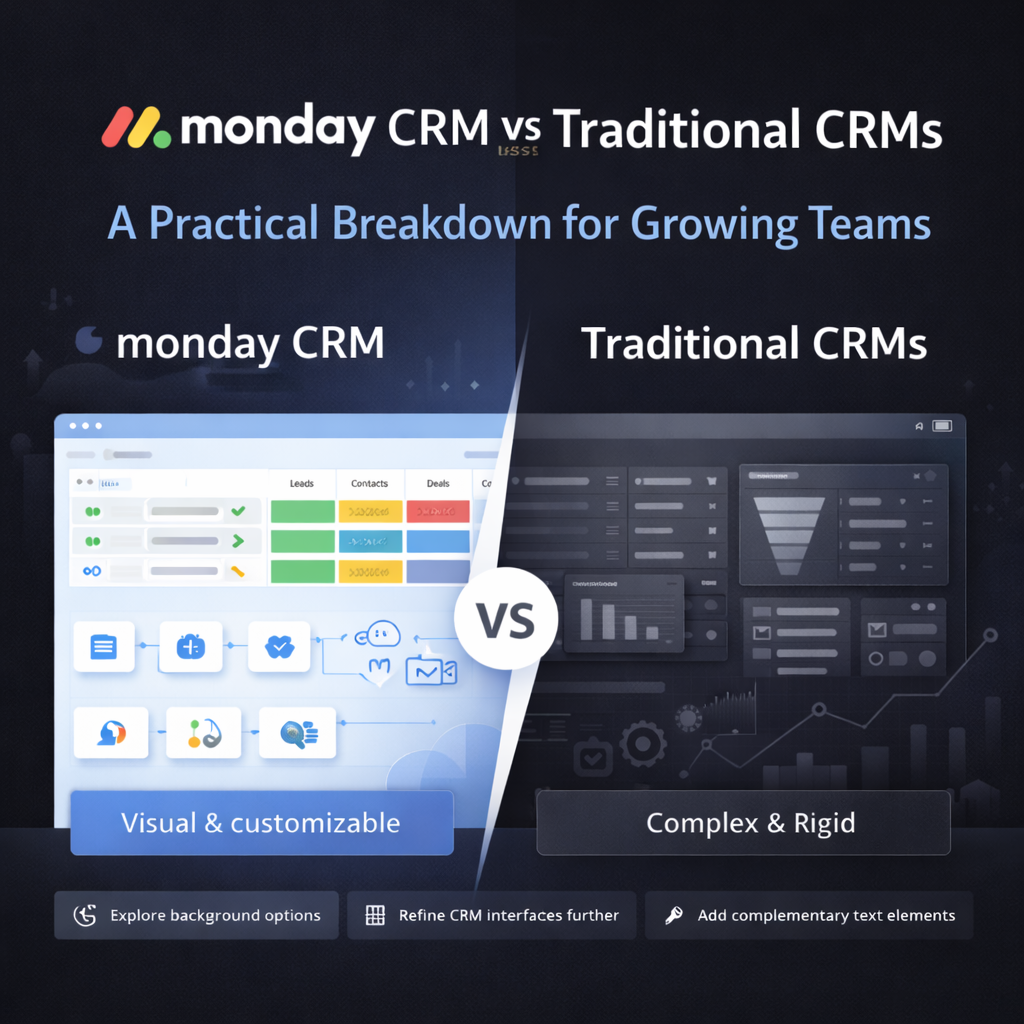
Can monday‑com really replace a traditional CRM? For many growing teams, yes. monday‑com offers powerful lead management, performance tracking, data management, real‑time communication tools, and hundreds of integrations. It also includes custom automations and AI features to handle routine tasks. Compared with traditional CRMs like Salesforce—which often require expensive add‑ons and feel complex—monday‑com is simpler and more flexible. It starts at around $12 per seat per month, while HubSpot’s paid plans start at about $15 per seat per month.
When should we redesign our CRM? If reps avoid it, data is unreliable, or leadership doesn’t trust reports, it’s time to revisit your design.
A CRM isn’t a compliance tool. It’s a productivity system. When you design a CRM your team will actually use, everything else gets easier—forecasting, handoffs, and growth decisions. Stop chasing updates and start trusting your data.
Need help implementing this in monday‑com?
Talk to a certified monday‑com expert. Contact us