

Growing teams need a CRM that is simple, flexible, and built for fast moving work.
If you are comparing HubSpot, Salesforce, and monday.com in 2025, you are probably feeling the tension between features, cost, and actual usability.
This guide breaks down what really matters so you can pick a CRM that grows with your team instead of slowing it down.
Below you will find a clear breakdown of each platform, common pitfalls, and how modern teams approach CRM adoption.
Most teams outgrow spreadsheets long before they are ready for a heavy enterprise CRM.
That is where confusion begins.
HubSpot feels simple at first but the cost climbs fast when you need deeper CRM functionality.
Salesforce can do almost anything but requires time, expertise, and a long runway to implement well.
monday.com enters the conversation because it brings structure without rigidity and power without a steep learning curve. Teams get a unified customer journey without needing an admin team to keep things running.
This is the core question for 2025.
Which CRM gives you the features you need without locking you into a tool that becomes too expensive or too hard to maintain?
HubSpot offers a clean UI and good defaults but customization depth is limited unless you upgrade. You also work within its opinionated object model which can feel restrictive for teams with non traditional sales cycles.
Salesforce is the most customizable CRM in the world. The tradeoff is complexity. Custom objects, flows, and permissions require expertise and can be overwhelming for smaller teams.
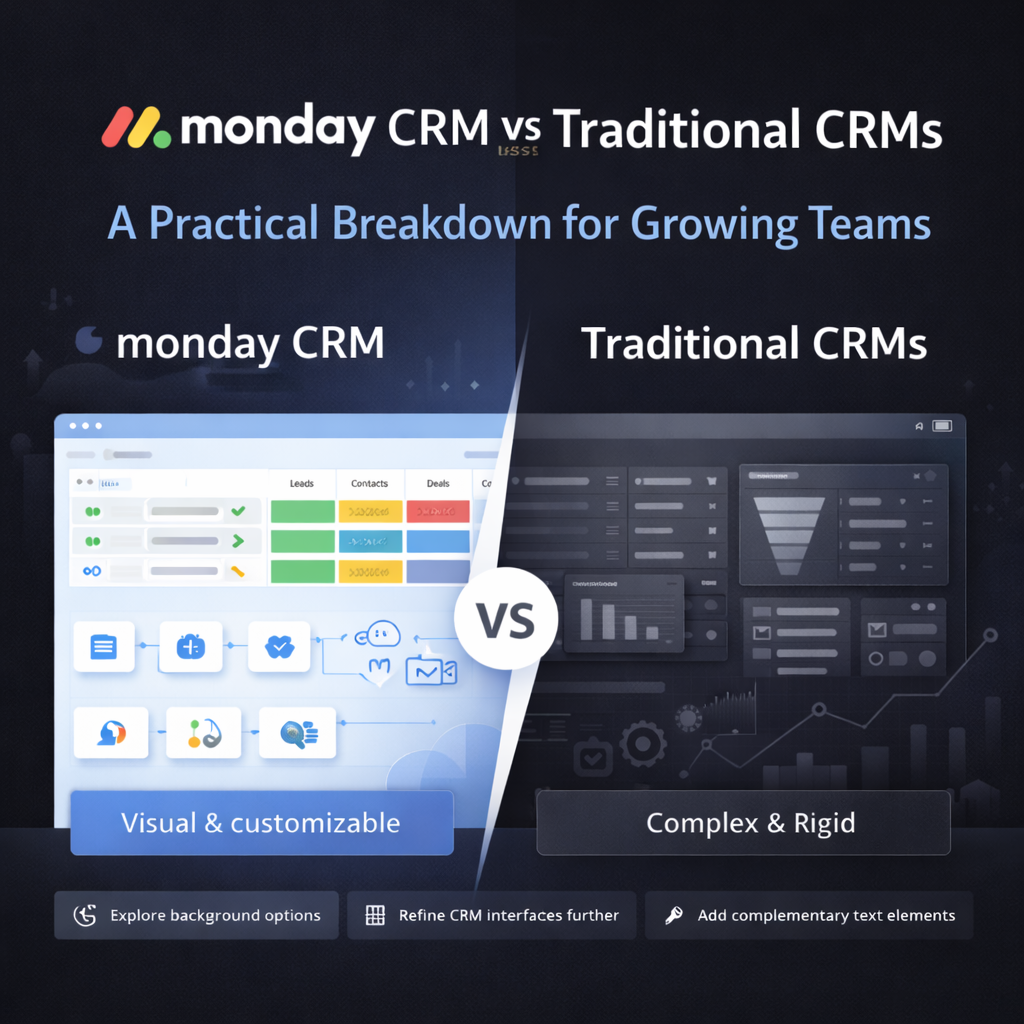
monday.com gives you structure without the rigidity. You can shape your CRM around your process instead of rebuilding your process around the tool. Boards, views, and automations create a flexible system that grows with your team instead of boxing you in.
HubSpot’s automation tools are solid for marketing teams but sales workflows often require higher tiers or add ons.
Salesforce has endless automation capabilities with Flow Builder but it is not something a new user can pick up quickly.
monday.com keeps automation simple. Triggers and actions are easy to set up and fast to maintain. Teams use automation for lead routing, deal progression, account handoffs, and internal notifications without needing a specialist.
HubSpot gives basic reporting on lower tiers. Custom dashboards and deeper forecasting live behind higher plans.
Salesforce has powerful reporting but it comes with a learning curve and usually requires admin time to maintain.
monday.com makes reporting visual and intuitive. Dashboards update in real time and give sales and leadership teams clarity on pipeline health, forecasting, and team activity. This is one of the main reasons growing teams choose monday CRM. They get accurate insights without wrestling the tool.
HubSpot starts free which is appealing. Costs rise quickly as soon as you need custom features or larger teams.
Salesforce is enterprise grade which means enterprise pricing and implementation timelines.
monday.com is predictable. You get CRM features without hidden upgrades and you can scale users without doubling your budget. Most growing teams appreciate the transparency.
HubSpot keeps things simple but becomes harder to maintain as your data model expands.
Salesforce almost always requires a dedicated admin or partner to manage data, automation, and governance.
monday.com keeps maintenance light. Non technical teams can manage their own CRM with confidence. This reduces bottlenecks and allows your team to adapt processes quickly.
We have implemented CRM systems for companies across SaaS, CPG, real estate, education, hospitality, and nonprofit. The pattern is consistent.
Most teams need a CRM that is structured but not rigid.
They want simple automation. Clean forecasting. Zero hidden costs. They want a tool that is powerful enough for sales leadership but simple enough for frontline users.
That is why monday.com is often the best fit for teams with 10 to 200 employees. It gives you a full customer journey in one platform from marketing to sales to onboarding to account success. It scales without becoming overwhelming. You can iterate your workflows without breaking your system.
When we implement monday CRM we guide teams through data migration, pipeline design, automation, custom reporting, and user adoption. You end up with a CRM that actually reflects how your business runs.
Take inventory of your real process. Write down the actual steps your reps follow today.
Decide where you want to improve automation. Identify your bottlenecks. Name the reports leadership checks every week.
Then test each CRM against your real requirements instead of the marketing pages.
Most growing teams discover they do not need complicated enterprise tooling. They need clarity and consistency.
Is HubSpot a good CRM for small teams
Yes. HubSpot works well for early stage teams that want quick setup. Costs increase as soon as you need more advanced CRM functionality.
Is Salesforce too complex for companies under 200 employees
Not always but it often requires more time and resources than small teams have. Salesforce shines in large enterprises with complex processes.
Is monday.com a full CRM or just a project management tool
monday.com is a complete CRM with pipelines, automation, email sync, forecasting, and reporting. The benefit is that it also connects to project and operations workflows in the same system.
How do I migrate from HubSpot or Salesforce to monday.com
Most teams work with a monday.com partner for migration. Data structure, automation logic, and reporting need thoughtful mapping. A structured migration plan keeps the transition smooth.
Choosing a CRM in 2025 is not about the biggest feature list. It is about picking a platform your team will actually use every day.
HubSpot offers simplicity. Salesforce offers depth. monday.com offers a balance of power and usability that fits how modern teams operate.
If you want a CRM that is flexible, visual, and built for fast growing teams, monday.com is the platform we recommend.
Need help implementing this in monday.com
Talk to a certified monday.com expert → Contact Us