

Spreadsheets are amazing.
Until they're not.
At some point, every growing team hits the spreadsheet ceiling. The formulas break. Tabs multiply. Ownership gets fuzzy. Suddenly your “single source of truth” is twelve versions deep and nobody trusts it.
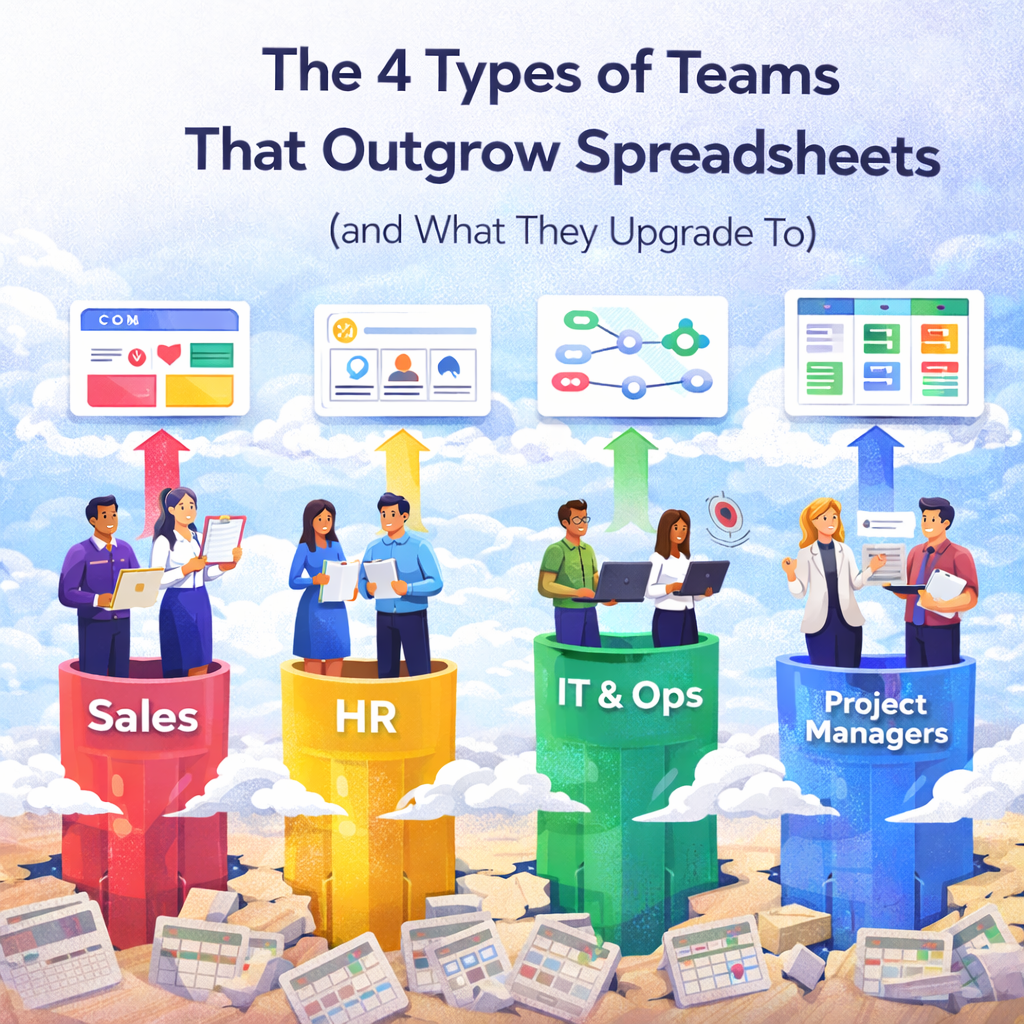
If you're searching for the types of teams that outgrow spreadsheets, you're already feeling this friction. We'll unpack four team types that hit this wall first and what they typically upgrade to.
Spreadsheets were built for tracking numbers, not running complex workflows. As teams grow, spreadsheets struggle with real‑time collaboration, clear ownership, automation, reporting and cross‑team scaling.
This is where different teams start to feel pain in different ways.
Ops teams handle handoffs, approvals, timelines and dependencies. When they manage everything in spreadsheets, they end up with endless tabs for onboarding, procurement and SOPs. The breaking point comes when the ops leader spends more time maintaining the sheet than improving the process.
What they upgrade to: A work management platform with structured boards, dashboards and automations. Tools like monday.com let them build boards where all work lives in one place, and automations run repetitive tasks automatically.
Marketing teams love spreadsheets until campaigns run across channels with shared dependencies. Content calendars, campaign trackers and lead lists collide. The breaking point is when campaign updates live in chat, performance lives in a dashboard and planning lives in a sheet that's already outdated.
What they upgrade to: A visual campaign workspace that connects planning, execution and reporting. monday.com lets marketers manage timelines, assets, approvals and performance tracking in one board.
Automations update statuses and send notifications so nothing slips through the cracks.
CS teams track accounts, renewals, onboarding stages and health scores. That works early on, but it breaks fast when renewals get missed or handoffs between sales and success fall through.
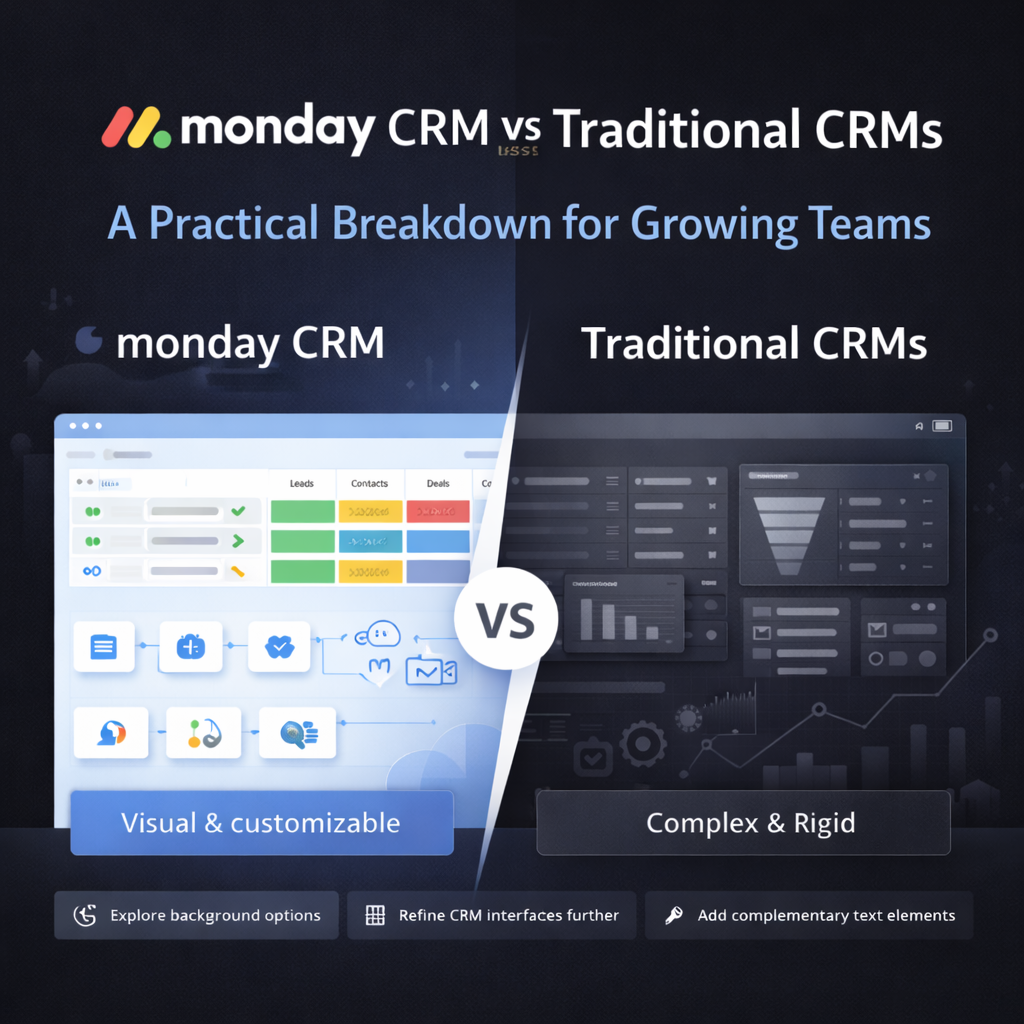
What they upgrade to: A lightweight CRM built on a work management platform. monday CRM sits on top of monday work management and keeps all customer workflows, tasks and communication in one place.
It also adds features like pipeline views, item forms, data enrichment, email tracking and other CRM tools.
Product teams use spreadsheets for roadmaps, backlogs and prioritization. It's simple until collaboration ramps up and stakeholders want visibility and context.
What they upgrade to: A product workspace with connected roadmaps and backlog management.
monday.com offers boards that organize projects, tasks and subitems with customizable columns. Multiple views like Kanban, calendar and timeline let product and engineering stay aligned.
Before jumping to a new tool, get clear on your real problem. Often the issue isn't the spreadsheet itself but undefined workflows, unclear ownership or missing visibility.
Ask yourself how much flexibility you need versus structure. Spreadsheets feel flexible but are fragile. The right upgrade preserves flexibility while adding guardrails and accountability.
Also consider scale. If only one team upgrades and everyone else stays in spreadsheets, friction returns fast. Many growing teams consolidate work, projects and CRM into a unified platform rather than stacking point solutions.
We've watched hundreds of teams migrate away from spreadsheets. monday.com comes out on top for a few reasons.
Both monday CRM and monday work management are built on the same Work OS and help teams work collaboratively. They use AI and advanced automations to boost efficiency and scale to meet the needs of individuals, small businesses and enterprises.
monday CRM is built on top of monday work management and adds unique CRM features like item forms, data enrichment, duplicate detection, pipeline views, advanced reporting, shared inboxes and email campaigns.
monday.com boards let you organize anything (projects, tasks or sales leads) using customizable columns and drag-and-drop dashboards. Multiple views like Kanban, calendar, timeline and Gantt give teams real‑time visibility.
Automations update items, send notifications, and move tasks to keep your workflow smooth.
Compared to comprehensive suites like HubSpot, which bundle marketing, sales, and service features and can be overwhelming, monday CRM focuses on simplicity and ease of use.
Salesforce offers deep, enterprise‑grade CRM and service modules, but comes with added complexity and cost. monday.com gives you enough power to run your work and sales processes without the heavy footprint.
Which teams outgrow spreadsheets first? Ops and marketing teams usually feel the pain first, followed closely by customer success and product teams as collaboration increases.
Is monday.com better than spreadsheets? For running workflows, yes. monday.com boards keep projects clear and collaborative, and automations run repetitive tasks automatically.
Spreadsheets are great for calculations, but they aren't designed for real‑time collaboration or process automation.
Do we need to migrate everything at once? No. Most teams start with one workflow and expand after seeing the value. Because monday's Work OS scales across departments, you can add boards and CRM features as needed.
How long does it take to move off spreadsheets? With the right setup, teams often see value in weeks rather than months. Start small, learn, and iterate.
Spreadsheets aren't evil. Outgrowing them is a good sign. It means your team is growing, your processes are maturing and you need systems that scale with you.
When you choose to upgrade, focus on clarity. Clear workflows, clear ownership, and clear visibility will take your team farther than any formula ever could. If you need help building that clarity in monday.com, we're here.
📢 Need help implementing this in monday.com?
Talk to a certified monday.com expert → Contact Us