

Most teams don’t know their monday.com workspace is fragile until it breaks.
Boards pile up. Automations get tangled. Dashboards lie.
You’re already ahead if you’re looking for a monday.com architecture blueprint.
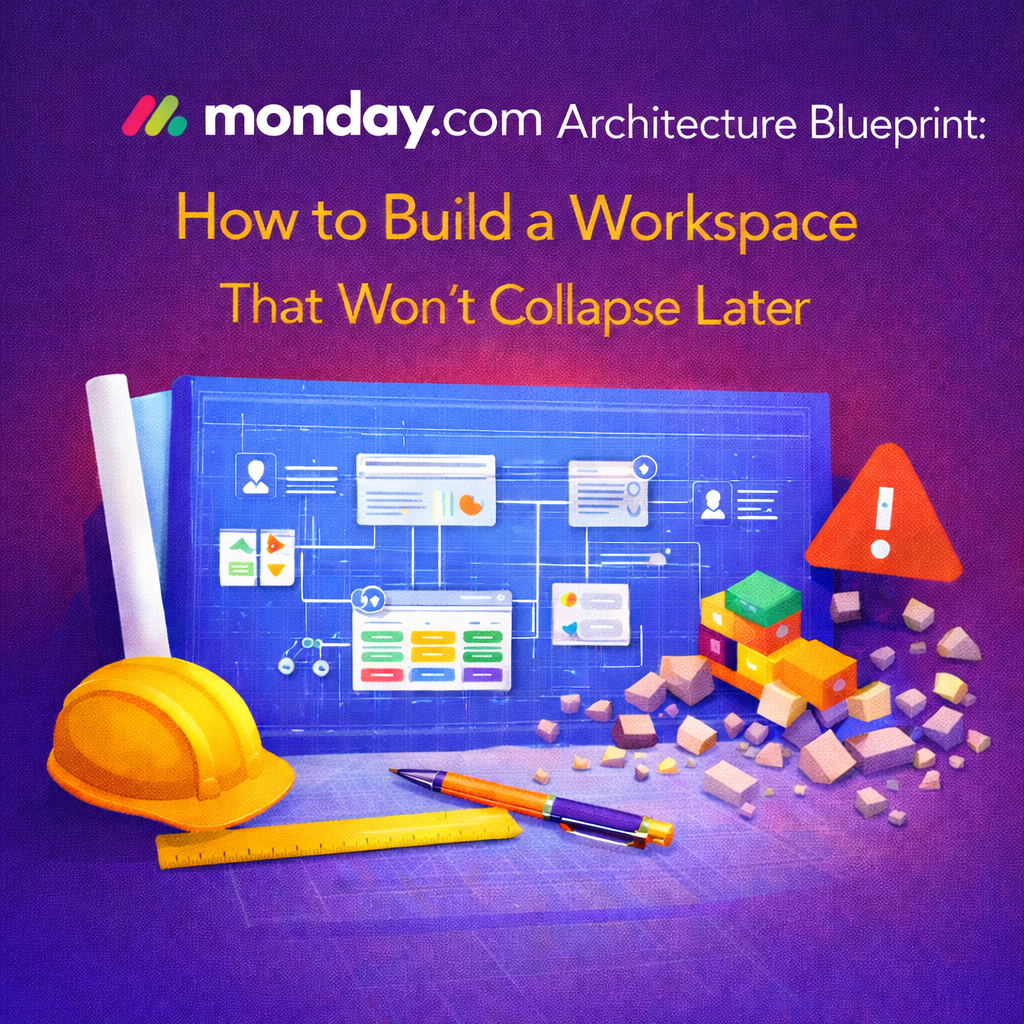
This guide explains a three‑layer framework we use at OrangeDot to build workspaces that last. The layers are simple: Foundations, Workflows, Dashboards.
Before we dive in, here’s a quick heads‑up.
monday.com is incredibly flexible. That’s both the magic and the risk.
Teams jump in fast. They make a board for every idea, automate everything they can, and start building dashboards.
What they skip is structure. Without a clear architecture, you end up with boards that mean different things to different teams and statuses that never match. The dashboards might look slick, but they can’t answer real questions.
The problem isn’t monday.com. It’s building from the top down instead of from the bottom up.
Foundations aren’t flashy, but you can’t skip them.
This layer defines how information behaves across your entire workspace. If you rush this step, you’ll eventually need a rebuild.
Strong foundations include decisions like:
This is where most teams mess up. They pick random status labels, duplicate boards, and overlook permission settings. Without consistency, automations and dashboards break down.
Automations depend on statuses. Dashboards depend on columns. Integrations depend on structure.
If two boards use the same status to mean different things, reporting is already broken. If ownership is unclear, accountability disappears. We’ve seen few workspaces recover cleanly from bad foundations without a rebuild.
Once foundations are locked, workflows become powerful instead of messy.
Workflows are where your board items move, collaborate, and inform. This is often where teams start, but it should be second.
Workflows include:
The goal is smooth flow, not automation for its own sake. Good workflows are predictable, repeatable, and easy to explain.
We often see:
Healthy workflows feel boring in a good way. They should disappear into the background, letting teams focus on work instead of process.
Dashboards should never hold your system together. They exist to translate execution into insight.
If your dashboards are doing the heavy lifting, something is wrong underneath.
Dashboards answer questions like:
They give leaders real‑time visibility across departments. You build dashboards by selecting boards, adding widgets, and customizing the layout. Because they pull live data, they stay current and integrate with tools like Slack or Salesforce.
If you hear any of these, it’s a signal to revisit the lower layers:
Dashboards should feel obvious. If they don’t, something upstream needs attention.
At OrangeDot, we never start with dashboards.
We start with questions. What decisions does the business need to make each week? What handoffs are breaking today? What data must stay clean no matter who edits it?
Then we design backward. Foundations that enforce clarity, workflows that remove friction, and dashboards that surface truth. This method is why our clients scale without rebuilding every year.
Ask yourself four things:
If any answer is no, your architecture needs attention.
It’s the underlying structure that defines how boards, workflows, and dashboards work together. Strong architecture prevents chaos as teams scale.
You can, but it’s painful. Dashboards often hide deeper issues in foundations and workflows. Fixing the lower layers first is faster long term.
There’s no magic number. Most healthy workspaces rely on a few core boards and layer team‑specific boards on top with clear relationships.
Yes. Smaller teams feel the pain faster because each breakdown hits harder. Architecture is easier to do early than to undo later.
monday.com doesn’t collapse because it’s too flexible. It collapses when flexibility replaces structure.
Remember the order: Foundations first, Workflows second, Dashboards last. That’s how you build a workspace that actually lasts.
📢 Need help implementing this in monday.com?
Talk to a certified monday.com expert → Contact Us