

If work feels harder than it should, you’re not imagining things.
Most growing teams don’t fail because the strategy is wrong. They fail because workflows quietly stop working. Projects stall. Approvals drag. Updates live in Slack threads, emails, docs and someone’s head. That’s exactly why we built the workflow bottleneck audit.
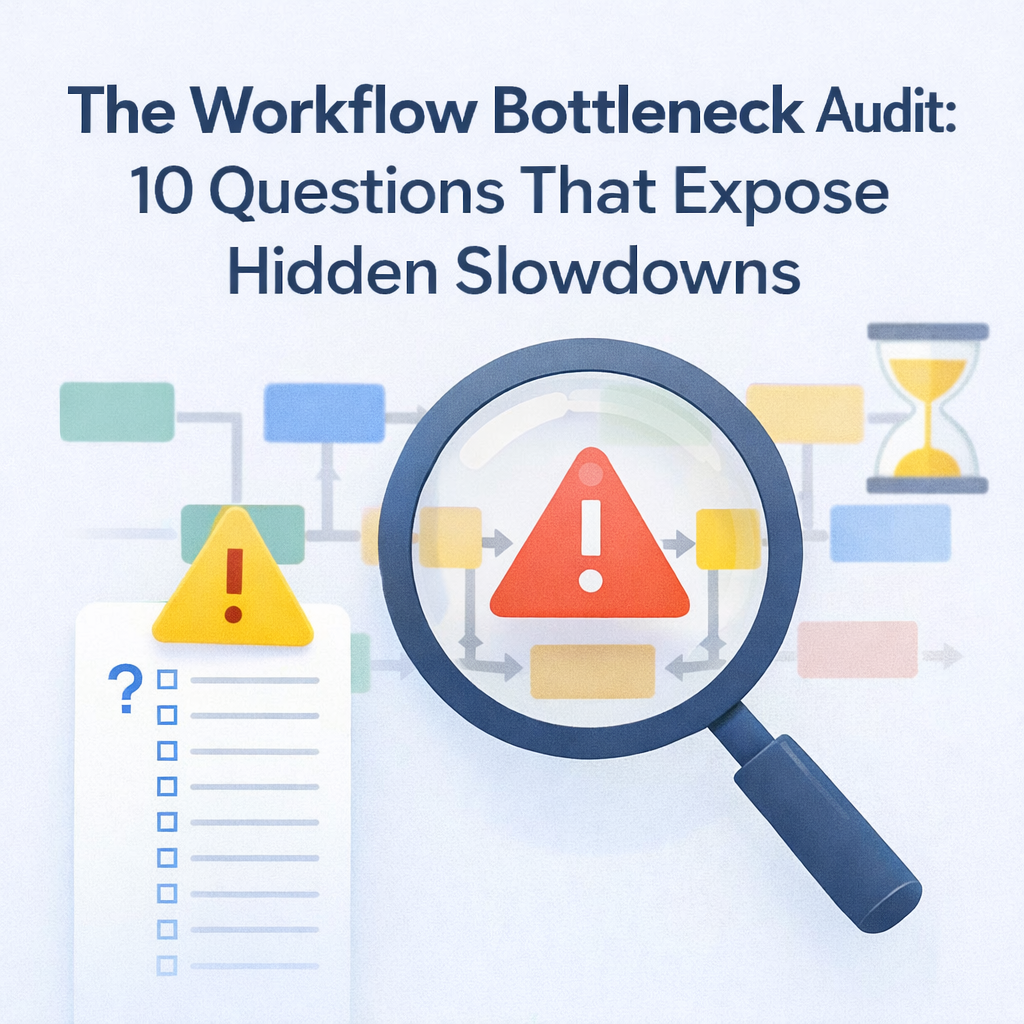
It’s a simple diagnostic check leaders can run to expose hidden slowdowns killing momentum before they turn into burnout or missed revenue. Below you’ll find the full audit, how to score it and what to do once you see the cracks.
Most teams don’t wake up one day and declare that their workflows are broken. Instead, they notice symptoms. Deadlines slip for no clear reason. Leadership asks for updates that take hours to compile. Everyone feels busy, but progress is fuzzy.
The real issue is rarely effort. It’s usually structure. Without a way to diagnose workflows objectively, teams default to duct‑tape solutions that make things worse. That’s where a workflow bottleneck audit comes in.
This audit is intentionally simple. Answer ten yes‑or‑no questions about how work actually moves through your organization today, not how it’s supposed to. Be honest. “Sometimes” usually means “no.” Each “no” points to friction, manual effort, or hidden risk. By the end, you’ll know exactly where to focus.
If updates live in meetings, Slack threads, or inboxes, visibility is already broken.
Shared ownership sounds collaborative, but in practice, it often means no ownership at all. In monday.com you can assign items to specific people using the People column, which ensures that everyone knows who’s responsible.
If work moves because someone remembers to ping the next person, that’s a bottleneck waiting to happen. monday.com automations let boards run repetitive tasks automatically—you can set rules to update items, send notifications, or move tasks to keep things organized and running smoothly.
If someone is exporting data, updating slides, or reconciling spreadsheets, your system isn’t doing its job. Dashboards in monday.com provide a high‑level view of multiple boards with over 50 widgets and apps, and support real‑time tracking.
Approvals that live in email or Slack are invisible blockers. Use a single platform to manage both work and approvals so everyone can see what’s waiting.
If changing a process requires rebuilding everything, your system won’t scale. Look for flexible templates and custom fields that allow you to adapt without starting from scratch.
Entering the same information in multiple tools is a silent productivity killer. Integrations and automations can cut down on copy‑paste work.
If onboarding relies on “just ask Sarah,” you’re one PTO request away from chaos. Document workflows in one place and keep them updated.
Humans shouldn’t be responsible for remembering routine steps. In monday.com you can set automations that send reminders, change statuses, or trigger alerts.
If you can’t see cycle time, stuck stages, or workload imbalance, you’re flying blind. Real‑time dashboards give you data‑based insights to make informed decisions.
Give yourself one point for every “yes.”
Most teams land in the middle. That’s actually good news. It means improvement doesn’t require a total reset—just better systems.
At OrangeDot, we see the same pattern over and over. Teams don’t need more tools. They need fewer tools to work better together.
In monday.com we design workflows that make work visible by default, assign clear ownership at every stage, automate hand‑offs, approvals, and updates, replace manual reporting with dashboards that pull data in real time, and flex as teams grow without breaking. The goal isn’t perfection. It’s momentum. When workflows are clear, teams move faster with less stress.
If this audit exposed more “no’s” than you expected, start here:
You don’t need to solve everything at once. One well‑designed workflow can change how the whole team operates.
What is a workflow bottleneck audit?
A workflow bottleneck audit is a simple diagnostic tool that helps teams identify where processes slow down, break, or rely too heavily on manual effort.
How often should teams run a workflow bottleneck audit?
We recommend running this audit quarterly or any time growth, headcount, or complexity increases.
Can this audit be used outside of monday.com?
Yes. The questions are platform‑agnostic, but monday.com makes fixing the issues much easier thanks to features like automations and dashboards.
What’s the fastest way to fix workflow bottlenecks?
Centralize work, clarify ownership and add smart automations. Assign tasks using the People column, set automations for reminders and status changes, and use dashboards for real-time insights.
If work feels heavier than it should, it’s usually not the people. It’s the system. A simple workflow bottleneck audit can surface issues that have been quietly costing your team time, energy, and confidence. Fix the workflow and performance follows.
📢 Need help implementing this in monday.com?
Talk to a certified monday.com expert → Contact Us