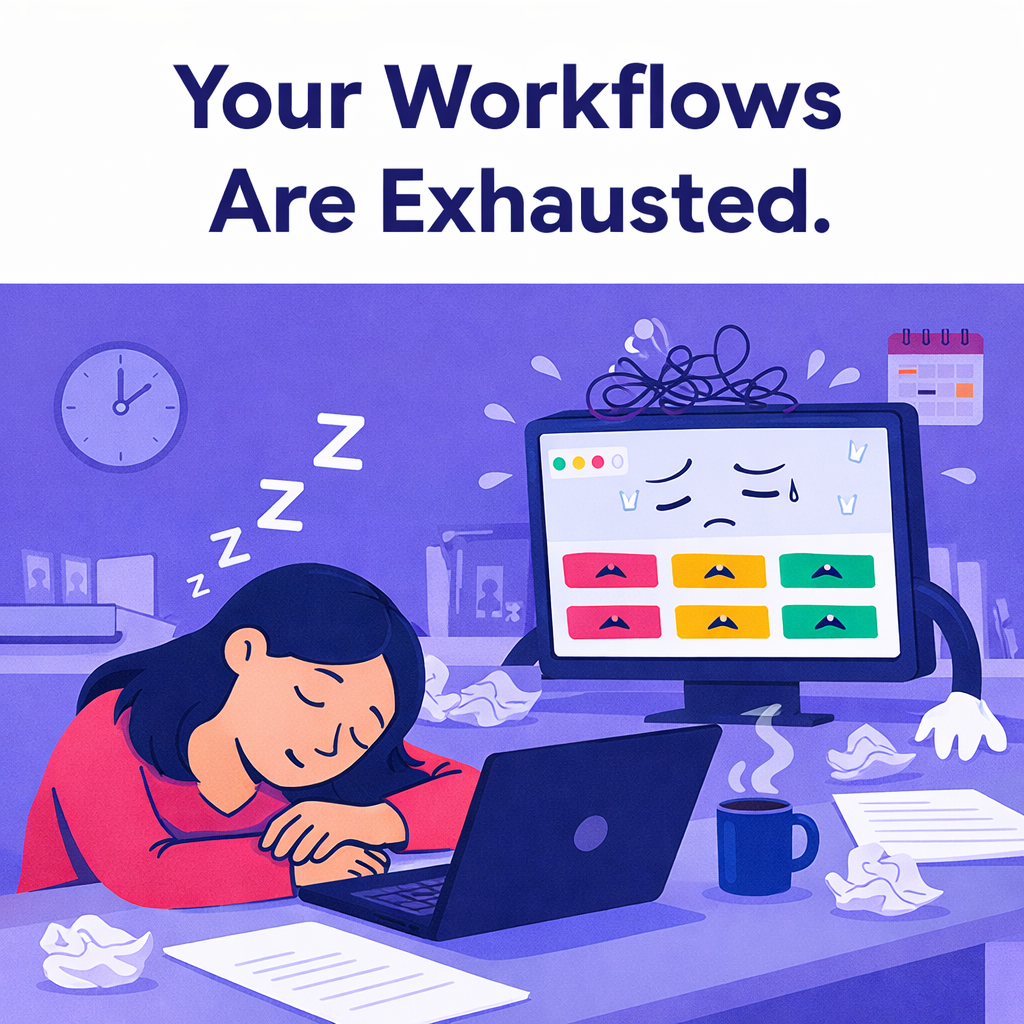


Burnout isn’t always about people working too hard.
It can be about people working in systems that make everything harder than it should be. That’s workflow burnout.
You see it when details get missed, follow-ups multiply, and energy drops even when everyone is trying. This isn’t a motivation issue. It’s a systems issue.
Below, we unpack why broken workflows exhaust teams, how to spot the signs early, and how better systems free people to do their best work.
Teams don’t wake up burned out overnight. They absorb the stress of broken workflows piece by piece.
When work is scattered across tools and ownership is unclear, people spend more time chasing information than using it. Processes live in people’s heads instead of systems. Updates require meetings instead of visibility. Each task feels heavier than it should.
Over time, those workflows become bottlenecks.
And the team simply follows along. From the outside it looks like a people problem. Underneath it’s a systems problem.
When multiple people are tired or disengaged, it’s rarely an individual failure. It’s feedback.
Broken workflows force teams to compensate manually. They remember steps, chase updates, and double‑check work that should be automated. That mental load adds up fast.
A common sign of workflow burnout is constant motion with little progress.
Teams spend hours updating spreadsheets, sending Slack messages, and attending meetings just to stay aligned. The system isn’t doing the work, so the people are. That drains energy.
When workflows exist to monitor rather than support, people disengage.
Overly rigid processes, excessive approvals, and tools that feel like surveillance don’t reduce burnout. They increase it. Good workflows create clarity and trust, not pressure.
At OrangeDot, we believe systems should carry the cognitive load so people don’t have to.
In monday.com, that means designing boards and automations that give clarity without micromanagement.
When workflows are designed this way, teams stop reacting and start thinking again. Creativity returns. Focus improves. Burnout eases because the system pulls its weight.
You don’t need a massive overhaul to make a big difference. Try these four small tweaks:
These adjustments move work from people to systems, where it belongs.
What is workflow burnout?
Workflow burnout happens when teams are exhausted by inefficient, unclear, or overly manual systems rather than the work itself.
How do broken workflows impact team morale?
They increase mental load, create confusion, and force people to compensate manually. Over time, this leads to frustration and disengagement.
Can better tools really reduce burnout?
Yes—when implemented thoughtfully. The goal isn’t more software, but smarter systems that remove friction and create clarity. monday.com’s automations, views, and dashboards are designed to reduce manual effort and surface the right information.
Is monday.com a good fit for preventing workflow burnout?
Configured correctly, monday.com supports flexible, human‑centered workflows. Its customizable status labels, automations, and dashboards make it easier to build systems that fit your process and free your team's energy.
Your team isn’t lazy or unmotivated. They’re responding to broken systems. Fix the workflows and you give them space to do their best work again—less chasing, less confusion, more focus and energy.
That’s what good systems are supposed to do.
📢 Need help implementing this in monday.com?
Talk to a certified monday.com expert → Contact Us